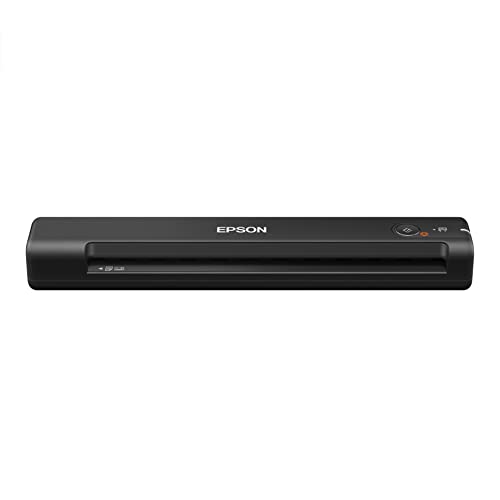
Buying Guide for the Best Commercial Document Scanners
Choosing the right commercial document scanner can significantly improve your workflow efficiency and document management. When selecting a scanner, it's important to consider various specifications that will impact the performance and suitability of the device for your specific needs. Understanding these key specs will help you make an informed decision and ensure that the scanner you choose meets your requirements.Scan SpeedScan speed refers to how quickly a scanner can process documents, usually measured in pages per minute (PPM). This spec is important because it affects how fast you can digitize large volumes of documents. For light use, a scan speed of 20-30 PPM may be sufficient. For moderate use, look for speeds between 30-50 PPM. For heavy use, especially in busy office environments, consider scanners with speeds of 50 PPM or higher. Choose a scan speed that matches the volume of documents you need to scan regularly.
ResolutionResolution is measured in dots per inch (DPI) and determines the clarity and detail of the scanned images. Higher resolution is important for documents that require detailed images, such as photographs or graphics. For general document scanning, a resolution of 300 DPI is usually adequate. For higher quality scans, such as for archiving important documents or scanning images, look for scanners with 600 DPI or higher. Consider your need for image quality when choosing the resolution.
ADF CapacityADF (Automatic Document Feeder) capacity indicates how many sheets the scanner can hold and process automatically. This is important for efficiency, especially when scanning large batches of documents. For small to medium-sized tasks, an ADF capacity of 20-50 sheets may be sufficient. For larger tasks, look for scanners with an ADF capacity of 100 sheets or more. Choose an ADF capacity that matches the volume of documents you typically scan in one session.
Duplex ScanningDuplex scanning allows the scanner to scan both sides of a document simultaneously. This feature is important for saving time and ensuring that double-sided documents are fully digitized. If you frequently scan double-sided documents, a scanner with duplex scanning capability is essential. For single-sided documents, this feature may not be as critical. Consider how often you need to scan double-sided documents when deciding on this feature.
Connectivity OptionsConnectivity options refer to how the scanner connects to your computer or network. Common options include USB, Wi-Fi, and Ethernet. USB is suitable for direct connections to a single computer. Wi-Fi allows for wireless scanning and is useful for shared office environments. Ethernet is ideal for connecting the scanner to a network for multiple users. Choose the connectivity option that best fits your office setup and workflow.
OCR (Optical Character Recognition)OCR technology converts scanned images of text into editable and searchable text. This is important for document management and retrieval. If you need to edit scanned documents or search for specific text within them, a scanner with OCR capability is essential. For basic scanning needs where text searchability is not required, OCR may not be necessary. Consider your need for text editing and searchability when choosing a scanner with OCR.
Paper HandlingPaper handling refers to the types and sizes of paper the scanner can process. This is important for versatility and ensuring that all your documents can be scanned. Look for scanners that can handle a variety of paper sizes, from small receipts to large legal documents. Some scanners also handle thicker media like ID cards. Choose a scanner with paper handling capabilities that match the types of documents you need to scan.