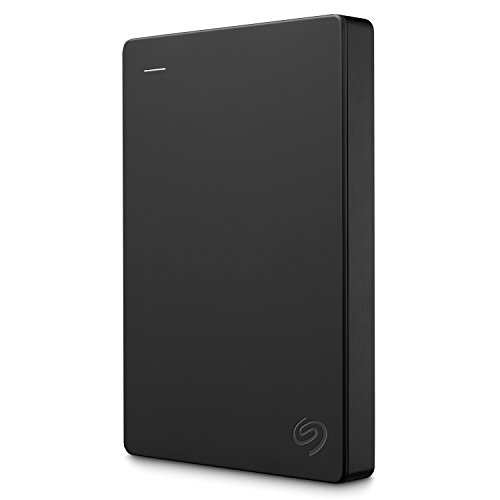
Buying Guide for the Best Automatic Backup External Hard Drive
Choosing the right automatic backup external hard drive is crucial for ensuring your data is safely stored and easily accessible. When selecting a backup drive, consider factors such as storage capacity, speed, durability, compatibility, and additional features like encryption and software support. Understanding these key specifications will help you make an informed decision that best suits your needs.Storage CapacityStorage capacity refers to the amount of data the external hard drive can hold. This is important because it determines how much information you can back up. Storage capacities typically range from 500GB to several terabytes (TB). If you have a lot of large files like videos and high-resolution photos, you might need a drive with 2TB or more. For general use, such as documents and smaller files, 500GB to 1TB might be sufficient. Assess your data storage needs and choose a capacity that provides ample space for current and future backups.
Transfer SpeedTransfer speed indicates how quickly data can be written to or read from the external hard drive. This is important for efficiency, especially when backing up large amounts of data. Transfer speeds are influenced by the type of connection (USB 2.0, USB 3.0, USB-C, Thunderbolt) and the drive's internal technology (HDD vs. SSD). USB 3.0 and USB-C offer faster speeds compared to USB 2.0. SSDs are generally faster than HDDs. If you need to back up data frequently or transfer large files, opt for a drive with higher transfer speeds.
DurabilityDurability refers to the external hard drive's ability to withstand physical damage and environmental factors. This is important for protecting your data from accidental drops, spills, and other hazards. Some drives are designed with rugged features like shock resistance, water resistance, and reinforced casings. If you plan to carry your drive around frequently or use it in challenging environments, look for a model with enhanced durability features. For home or office use, standard durability may suffice.
CompatibilityCompatibility ensures that the external hard drive works seamlessly with your computer or device. This is important to avoid connectivity issues and ensure smooth operation. Check if the drive is compatible with your operating system (Windows, macOS, Linux) and whether it supports the connection ports available on your device (USB, Thunderbolt, etc.). Some drives come pre-formatted for specific systems but can be reformatted if needed. Choose a drive that matches your device's requirements to ensure hassle-free use.
Encryption and Security FeaturesEncryption and security features protect your data from unauthorized access. This is important for safeguarding sensitive information. Some external hard drives offer hardware encryption, password protection, and biometric security options. If you store confidential or personal data, consider a drive with robust security features. For general data storage, basic password protection may be sufficient. Evaluate the level of security you need based on the sensitivity of your data.
Backup Software SupportBackup software support refers to the included or compatible software that helps automate the backup process. This is important for ensuring regular and reliable backups without manual intervention. Some external hard drives come with proprietary backup software, while others are compatible with third-party solutions. Look for a drive that offers user-friendly and reliable backup software. If you prefer specific software, check compatibility before purchasing. Choose a drive that simplifies the backup process to keep your data safe with minimal effort.