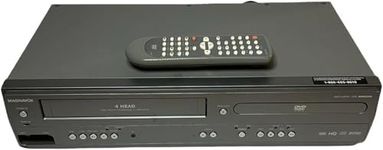
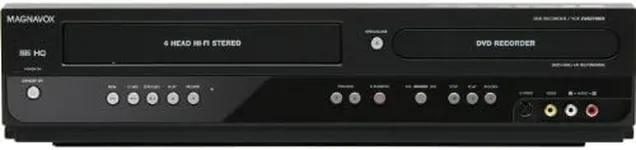
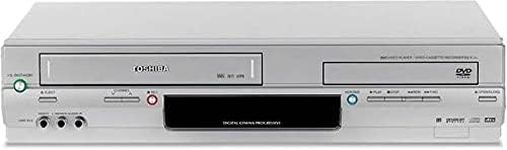
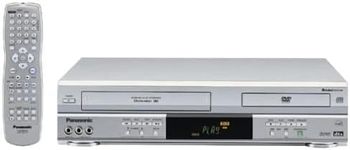
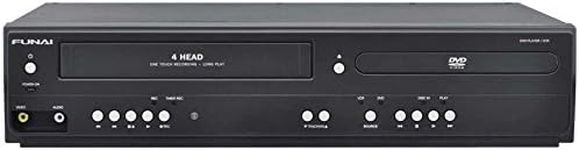
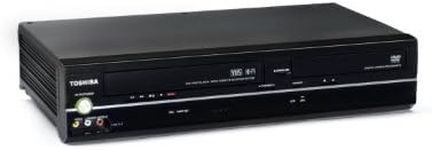
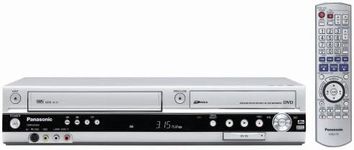
Buying Guide for the Best Dvd Vhs Combos
When choosing a DVD-VHS combo, it's important to consider your specific needs and preferences. These devices allow you to play both DVDs and VHS tapes, making them ideal for those who have collections in both formats. To make the best choice, you should understand the key specifications and how they impact the performance and usability of the device.Playback FormatsPlayback formats refer to the types of discs and tapes the device can play. This is important because you want to ensure that the combo can handle all the media you have. Most DVD-VHS combos will play standard DVDs and VHS tapes, but some may also support additional formats like CD, CD-R, CD-RW, and DVD-R. If you have a diverse collection, look for a combo that supports multiple formats to maximize compatibility.
Recording CapabilityRecording capability allows you to record content from one format to another, such as transferring VHS tapes to DVDs. This feature is crucial if you want to preserve old VHS tapes by converting them to a more durable and modern format. Devices with recording capabilities will have different options, such as one-touch recording or scheduled recording. Consider how often you plan to use this feature and choose a device that offers the recording options that best suit your needs.
Connectivity OptionsConnectivity options refer to the types of connections available for hooking up the combo to your TV or other devices. Common connections include HDMI, RCA, and component video outputs. HDMI provides the best quality and is the most modern option, while RCA and component video are older but still widely used. If you have a newer TV, HDMI is preferable for better picture quality. Ensure the combo has the right connections for your setup.
UpconversionUpconversion is the ability of the device to enhance the resolution of VHS tapes to near-HD quality. This feature is important if you want to improve the viewing experience of your old VHS tapes on modern TVs. Upconversion can vary in quality, so look for devices that offer higher upconversion rates for better picture quality. If you have a large collection of VHS tapes, this feature can significantly enhance your viewing experience.
Ease of UseEase of use refers to how user-friendly the device is, including the layout of the remote control, the menu system, and the overall design. A device that is easy to use will save you time and frustration. Look for features like intuitive menus, clear labeling, and a well-designed remote control. If you are not tech-savvy, prioritize ease of use to ensure a smooth and enjoyable experience.
Size and DesignSize and design are important for ensuring the device fits well in your entertainment setup. DVD-VHS combos come in various sizes and designs, from compact models to larger units. Consider the space you have available and choose a device that fits comfortably. Additionally, think about the aesthetic of the device and how it will look with your other equipment. A well-designed combo can complement your setup and enhance the overall look of your entertainment area.